See how every idea connects
lrnos maps the concepts in your material into a visual you can explore, then walk lesson by lesson.
Three steps, start to remembered
Upload a topic
A chapter, a course, a stack of lectures. lrnos finds the concepts and how they link.
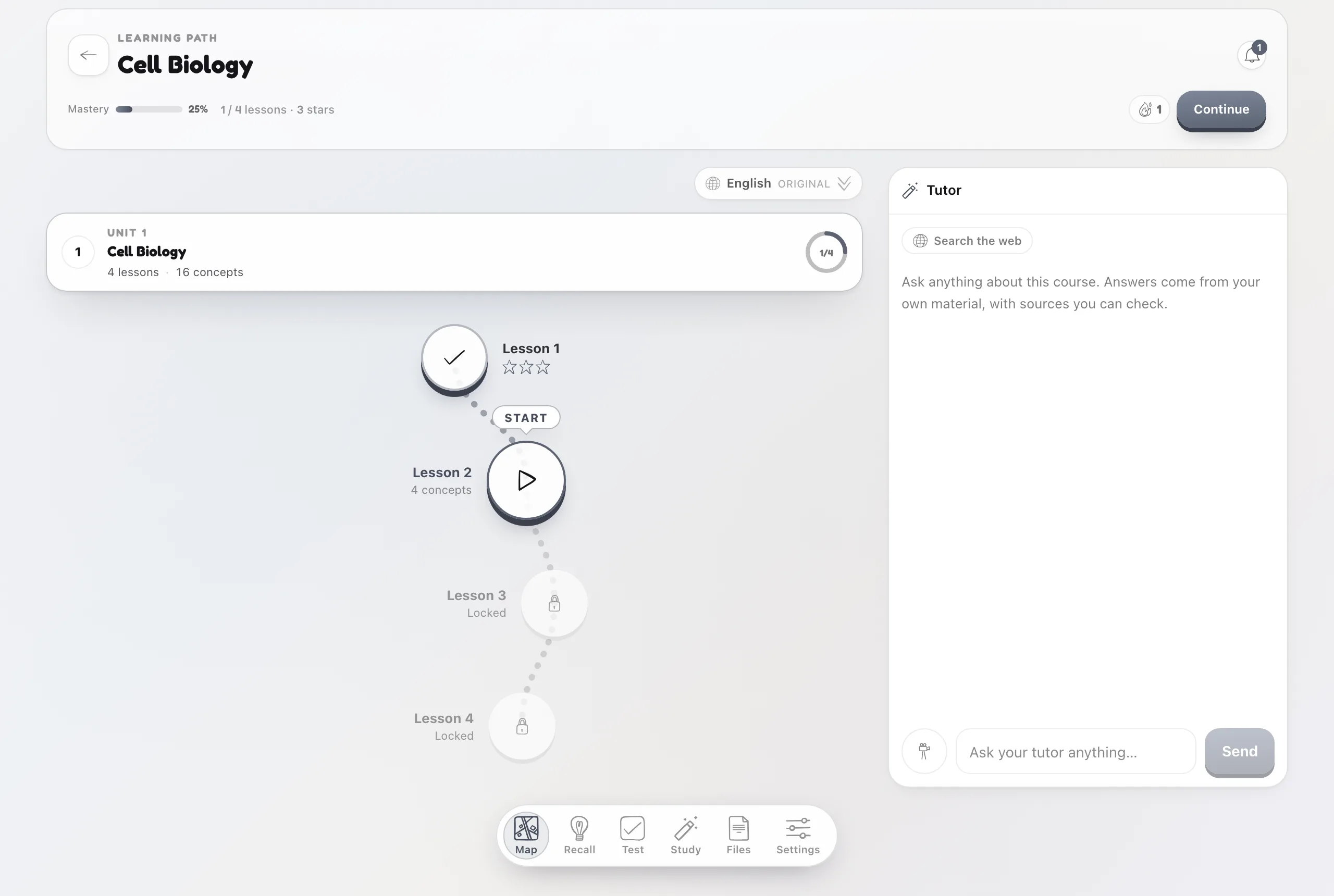
Explore the map
See prerequisites and connections at a glance, so the shape of the subject clicks.
Follow it in order
Every node opens its lesson, so the map is also the route through the material.
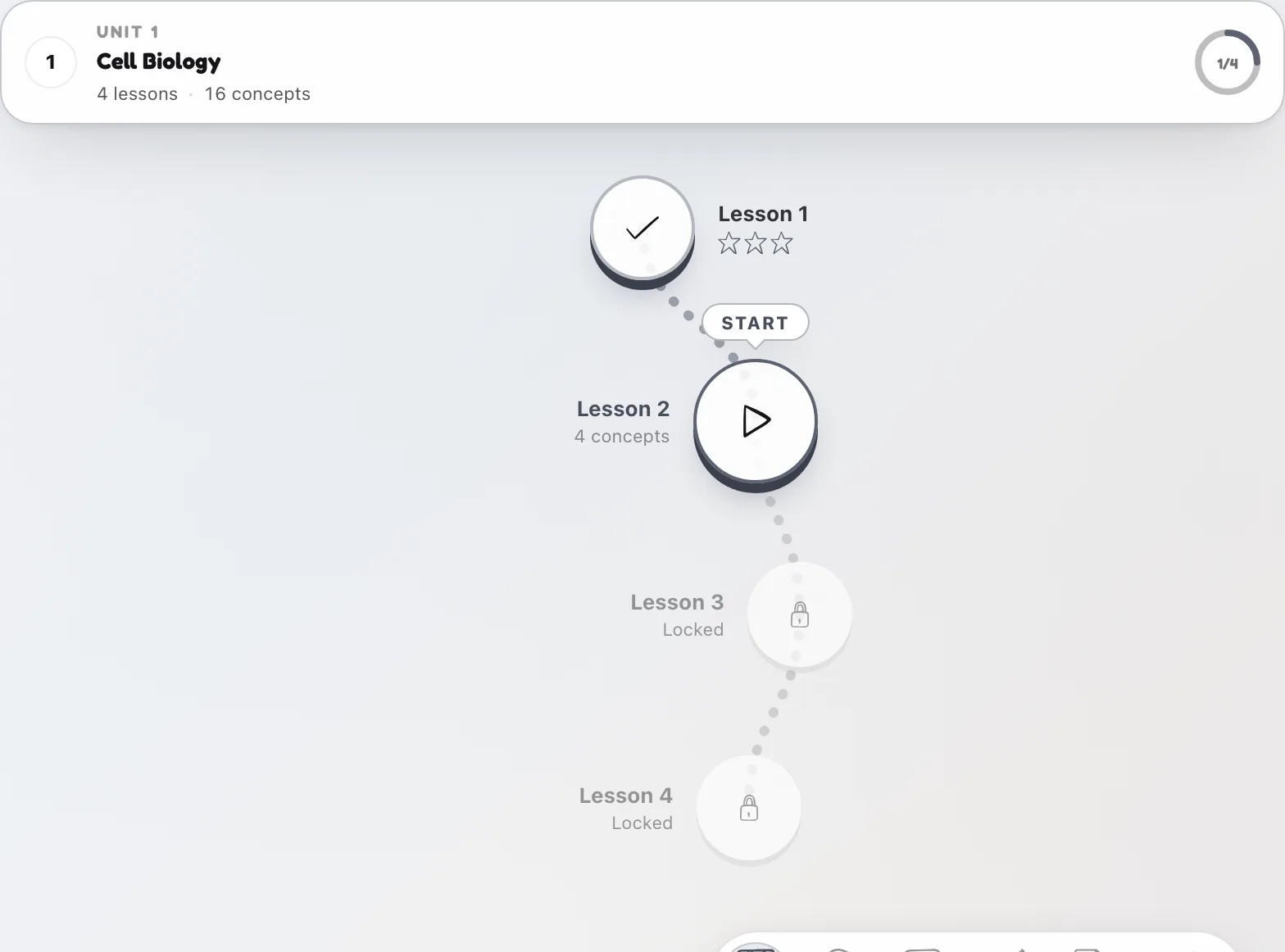
A map that is also your study plan.
This is not decoration. The connections come from a real prerequisite graph, and tapping any concept drops you into the lesson for it, with practice and review already scheduled.
Common questions
Where does the map come from?
It is built from the concepts lrnos extracts from your own files and the links between them, not a generic template.
Can I study from it?
Yes. Every node is a real lesson. Tap it to start learning and practicing that concept.
Does it cover everything?
The map reflects full coverage of your material, so nothing important is left off the path.