
Turn any file into flashcards
Drop in a PDF, slides, or a video and get a full deck in minutes, then review it on schedule.
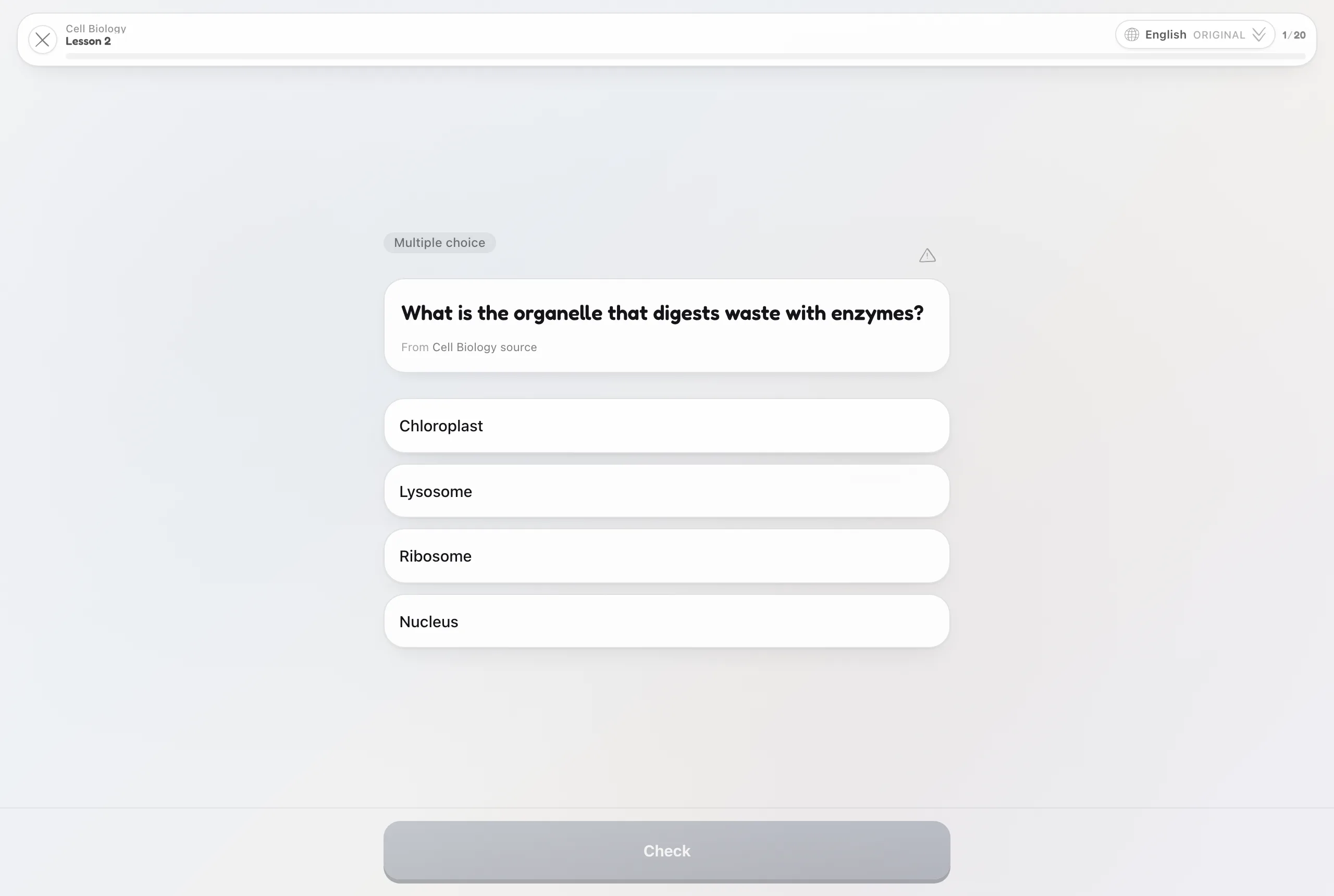
Three steps, start to remembered
Upload your material
A lecture PDF, a chapter, slides, a YouTube link. lrnos reads all of it.
Get a graded deck
Every card is written from your source, checked for quality, and tagged to its concept.
Review before you forget
Cards come back at the exact moment recall starts to fade, not on a fixed loop.
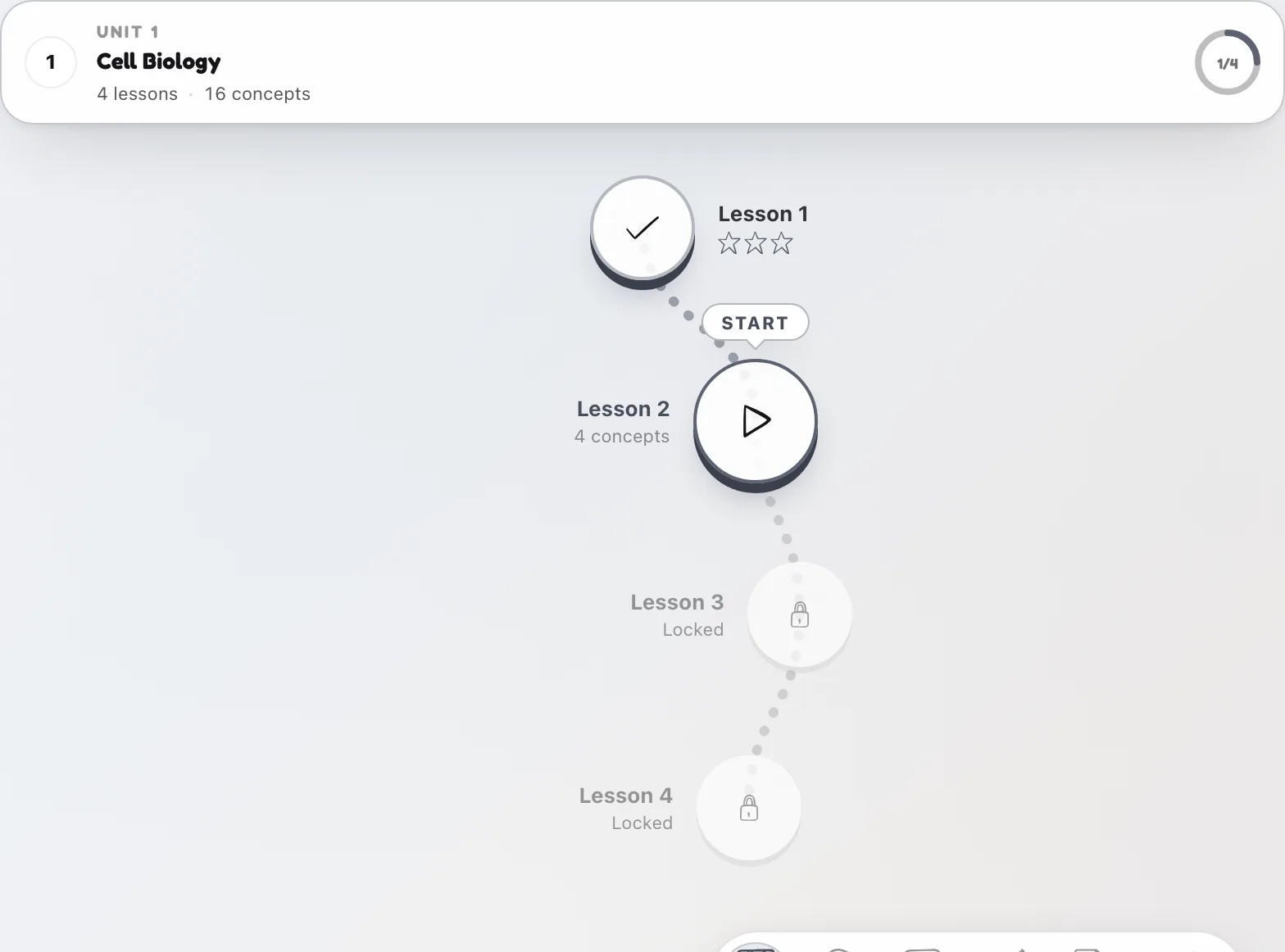
Most makers stop at the deck. lrnos keeps going.
Each card sits on an ordered path through the whole topic and returns with real spaced repetition. You are not staring at a pile of cards. You are told what to review today, and mastery stars show what has actually stuck.
Common questions
What can I turn into flashcards?
PDFs, Word and PowerPoint files, YouTube and video, audio, images, web articles, and pasted text. Anything you can learn from.
Are the cards actually good?
Every generated card passes a quality check before it reaches you, and you can edit any card or regenerate a single one.
Can I export the deck?
Yes. Export to Anki, Quizlet, CSV, or PDF at any time, so your cards are never locked in.