
A tutor that knows your material
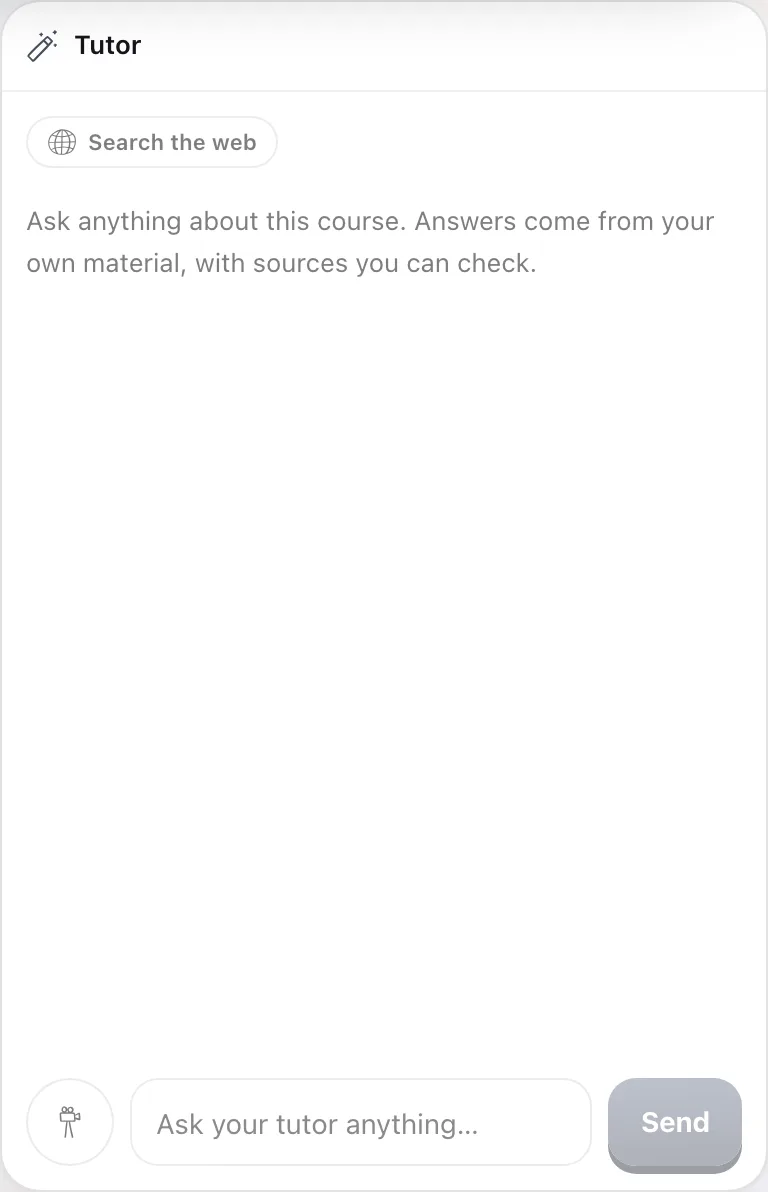
Ask anything about your course and get an answer grounded in your files, with sources you can check.
Three steps, start to remembered
Ask in plain words
Type a question, snap a photo of a problem, or paste text. Follow up as much as you want.
Get a grounded answer
Replies come from your own material and cite the exact source, so you can trust and verify them.
Turn it into practice
Any answer can become a quick drill, so asking a question also strengthens the memory.
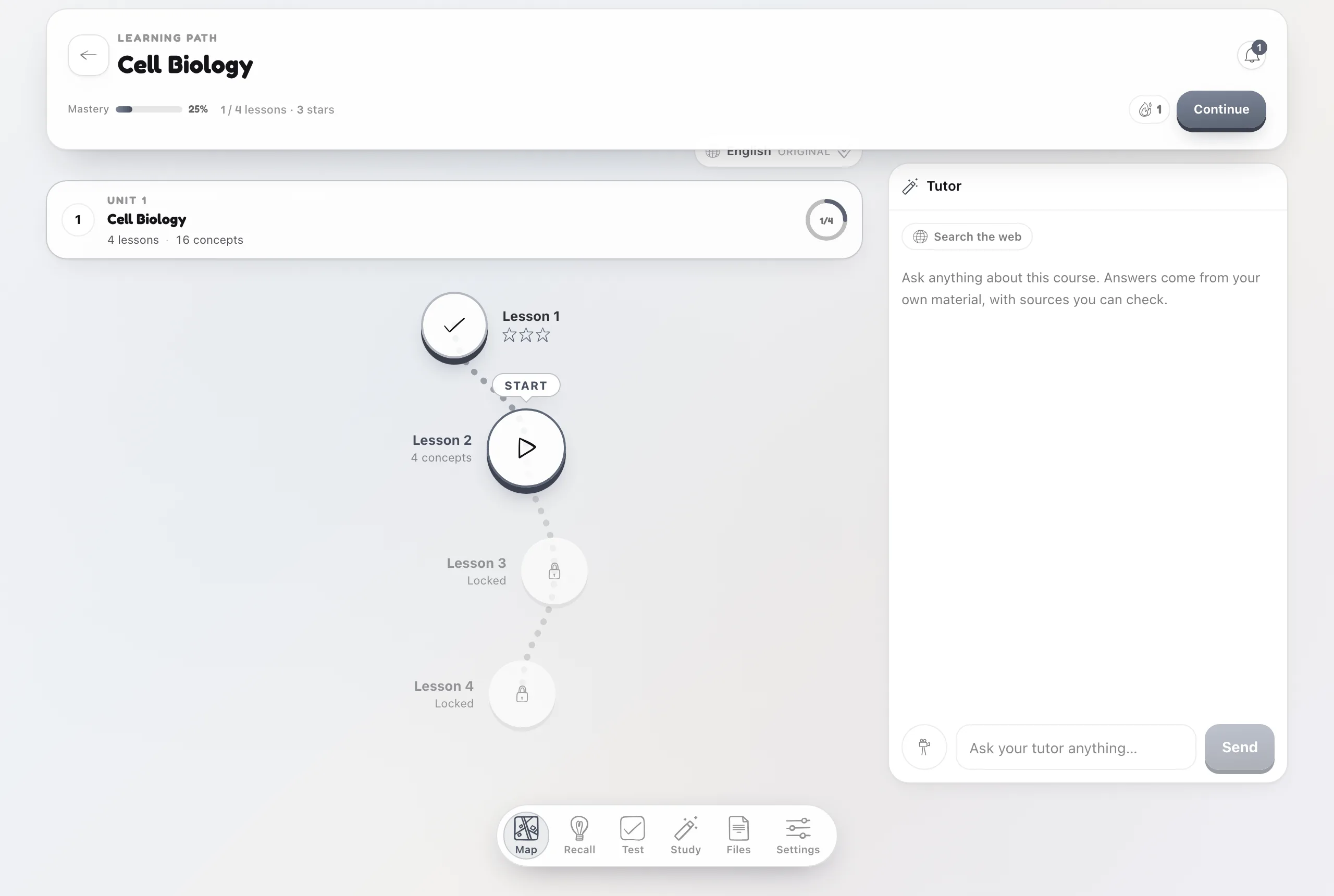
Answers you can trust, tied to your path.
The tutor reads your uploads before it replies and flags when something is not in your material yet. When a topic is weak, it points you back to the lesson instead of leaving you with a wall of text.
Common questions
Can it read a photo?
Yes. Snap a photo of a problem or a page and the tutor works from the image.
Can it search the web?
Yes. Turn on web search to blend live results with your files, each with a link you can open.
Does it remember past chats?
Yes. Threads are saved so you can resume any conversation where you left off.